A Step-by-Step Guide to Purchasing Airtime via KCB Mobile Banking
Introduction
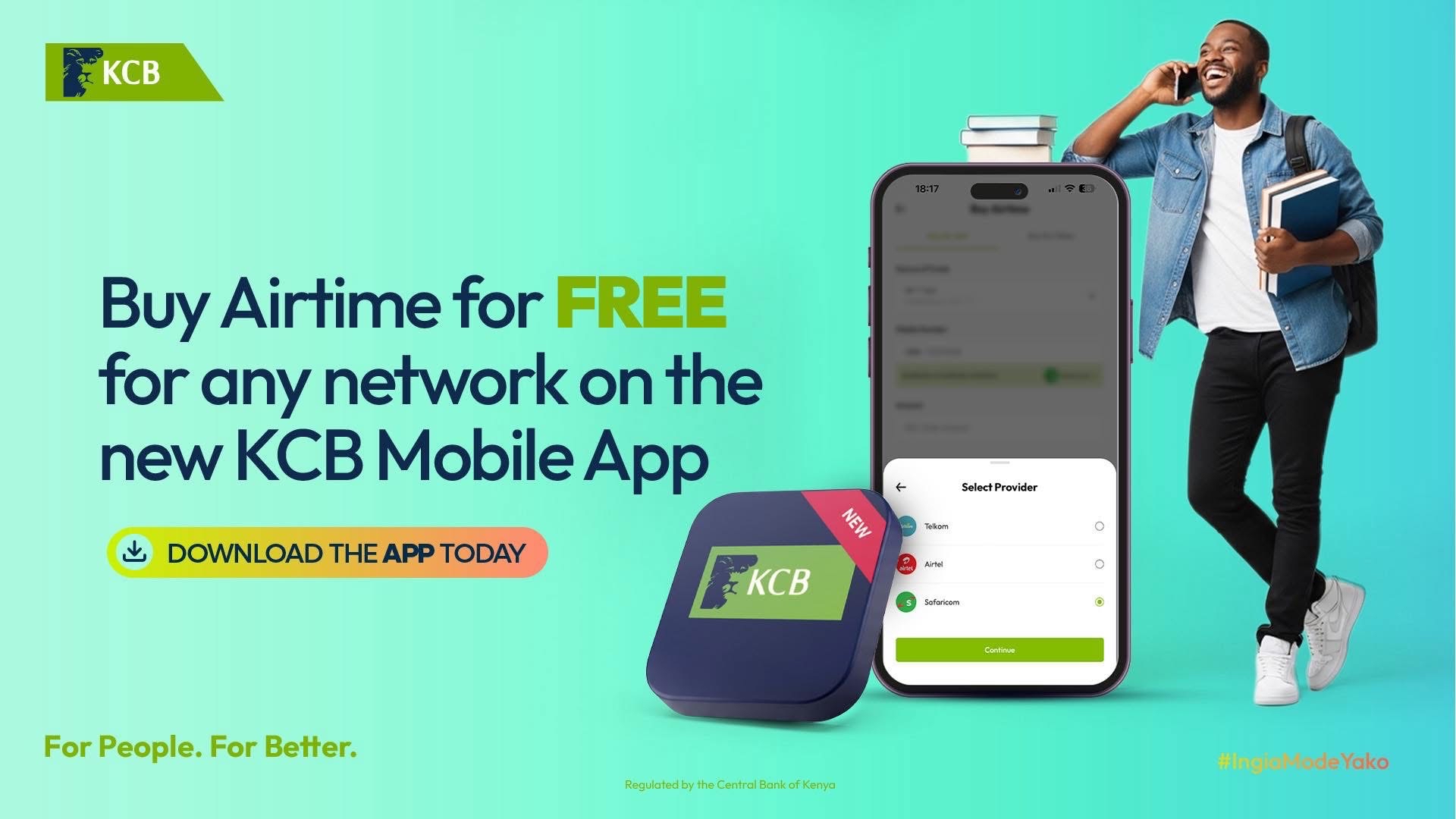
In today's fast-paced digital world, staying connected is more important than ever. Whether you need to make an urgent call, send an SMS, or purchase a data bundle, running out of airtime can be frustrating. Fortunately, KCB Bank Kenya has made it incredibly easy to purchase airtime directly from your mobile phone using the KCB App - and the best part? It's completely free.
This comprehensive guide will walk you through everything you need to know about buying airtime on the KCB App, including which networks are supported, step-by-step instructions, transaction limits, and answers to frequently asked questions. Whether you're a new KCB customer or have been banking with us for years, this guide will help you stay connected effortlessly.
What is the KCB App?
The KCB App is KCB Bank Kenya's official mobile banking application, designed to give customers complete control over their finances from the palm of their hand. Available for download on both Android (Google Play Store) and iOS (Apple App Store) the app provides a secure, convenient, and user-friendly platform for managing your accounts, transferring money, paying bills, purchasing airtime, and accessing a wide range of banking services - all without visiting a physical branch.
With the KCB App, you can bank anytime, anywhere. The app uses advanced security features including biometric authentication (fingerprint and face recognition), PIN protection, and encryption to ensure your transactions and personal information remain safe and secure.
Why Buy Airtime Using the KCB App?
1. Zero Transaction Fees
Unlike other mobile banking platforms or mobile money services that charge a convenience fee for airtime purchases, buying airtime through the KCB App is completely free. You pay exactly the amount you want to load - no hidden charges, no deductions.
2. All Networks Supported
The KCB App supports airtime purchases for all major mobile networks in Kenya, including:
· Safaricom
· Airtel Kenya
· Telkom Kenya
This means you can buy airtime for yourself, your family members, friends, or employees regardless of which network they use - all from one convenient platform.
3. Instant Delivery
Airtime purchased through the KCB App is delivered instantly. As soon as you complete the transaction, the recipient's phone receives the airtime top-up within seconds. No waiting, no delays.
4. 24/7 Availability
The KCB App is available round the clock. Whether it's early morning, late at night, or during public holidays, you can purchase airtime whenever you need it.
5. Purchase for Any Number
You can buy airtime for your own phone number or any other number in Kenya. This makes it perfect for parents topping up their children's phones, employers managing staff airtime, or anyone helping out a friend in need.
What You Need Before You Start
Before you can purchase airtime on the KCB App, ensure you have the following:
1. An active KCB Bank account
2. The KCB App installed on your smartphone
3. Your KCB App login credentials (username and password, or biometric setup)
4. A stable internet connection (Wi-Fi or mobile data)
5. Sufficient funds in your KCB account to cover the airtime purchase
Step-by-Step Guide: How to Buy Airtime on the KCB App
Follow these simple steps to purchase airtime for any network using the KCB App:
Step 1: Open the KCB App
Launch the KCB App on your smartphone. On the login screen, enter your username and password, or use your biometric authentication (fingerprint or face ID) if you have it set up. Tap 'Login' to access your account.
Step 2: Navigate to the Airtime Section
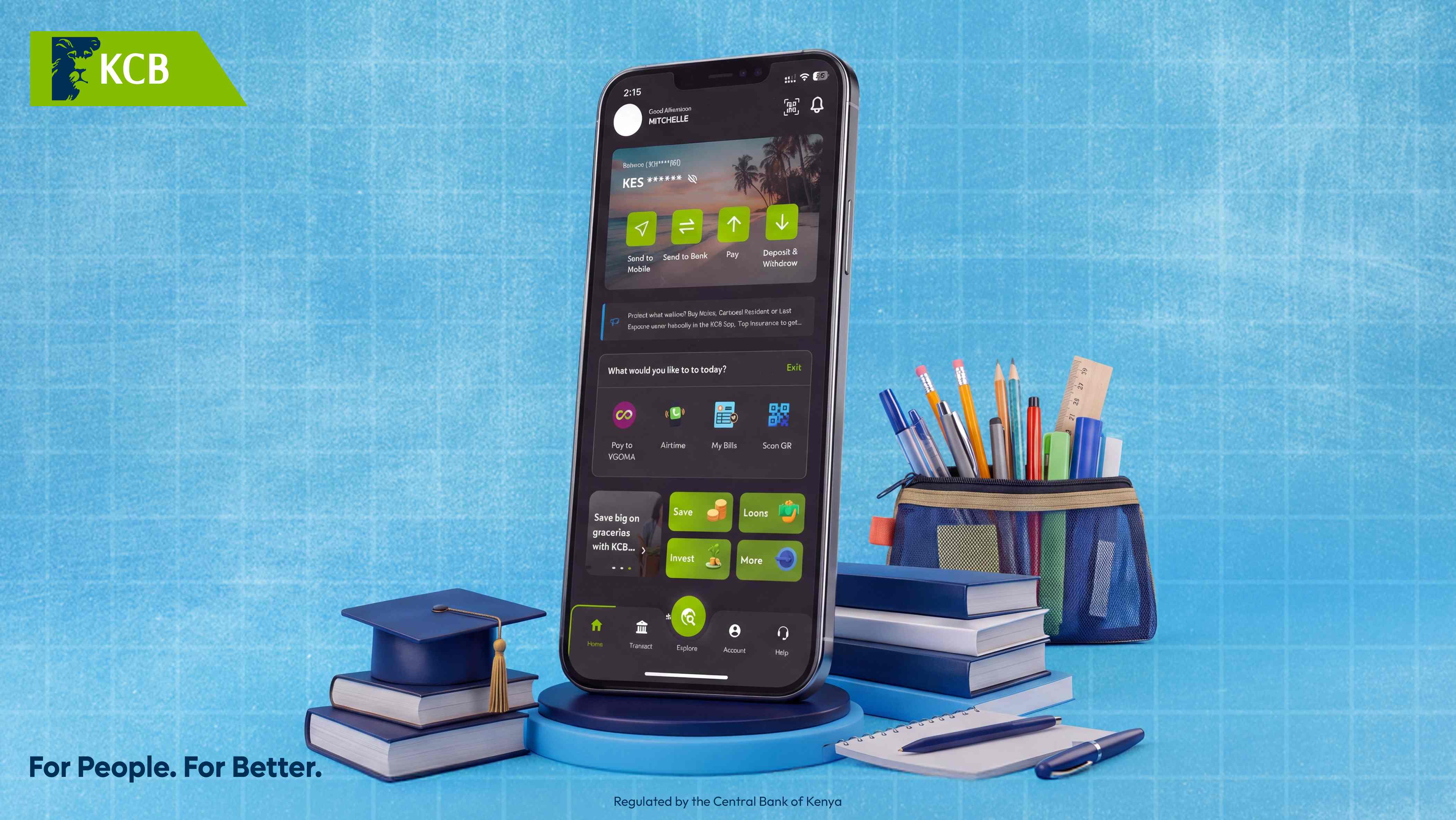
Once you're on the home screen, look for the 'Airtime' option. You can typically find it by tapping on the 'Transact' tab at the bottom of the screen, then selecting 'Airtime' from the menu. Alternatively, some versions of the app may display an 'Airtime' shortcut directly on the home screen under the 'What would you like to do today?' section.
Step 3: Select the Mobile Network
After tapping on 'Airtime,' you will be presented with a list of supported mobile networks. Select the network provider for the number you want to top up. The options include:
1. Safaricom
2. Airtel
3. Telkom
Step 4: Enter the Phone Number
Enter the mobile phone number you want to purchase airtime for. You can enter your own number or any other valid Kenyan mobile number. Double-check the number to ensure it is correct before proceeding.
Step 5: Enter the Airtime Amount
Specify the amount of airtime you want to purchase. You can enter any amount within the allowed transaction limits (see the Transaction Limits section below). Common amounts include KES 50, KES 100, KES 250, KES 500, KES 1,000, and KES 2,000, but you can enter any custom amount you prefer.
Step 6: Confirm the Transaction
Review the transaction details on the confirmation screen. Verify that the phone number, network provider, and amount are all correct. Once you are satisfied, tap 'Confirm' or 'Buy Airtime' to proceed.
Step 7: Enter Your PIN
For security purposes, you will be prompted to enter your KCB App transaction PIN. This is the 4-digit or 6-digit PIN you set up when activating the app. Enter your PIN and tap 'Submit' or 'OK.'
Step 8: Transaction Complete
Once your PIN is verified, the airtime will be purchased and sent instantly to the specified phone number. You will receive a confirmation message on the app, and the recipient will receive an SMS notification from their network provider confirming the airtime top-up.
Transaction Limits and Charges
Is There a Fee?
No. Purchasing airtime through the KCB App is completely free. KCB Bank does not charge any transaction fee for airtime purchases. You only pay for the airtime amount you select.
Transaction Limits
The KCB App allows you to purchase airtime within the following limits:
· Minimum amount: KES 5
· Maximum amount: KES 10,000 per transaction
· Daily limit: Subject to your account's daily transaction limit
These limits are designed to accommodate both small top-ups and larger purchases while maintaining security and regulatory compliance.
Troubleshooting Common Issues
Airtime Not Received
If the recipient does not receive the airtime within a few minutes, check the following:
1. Verify that you entered the correct phone number
2. Check your KCB App transaction history to confirm the transaction was successful
3. Ensure the recipient's phone is turned on and has network coverage
4. If the issue persists, contact KCB Customer Care on 0711 087 000 or 0732 187 000
Transaction Failed
If your airtime purchase fails, possible causes include:
1. Insufficient funds in your account - check your balance and try again
2. Incorrect PIN entered - carefully re-enter your transaction PIN
3. Poor internet connection - ensure you have a stable connection
4. App session timeout - log out and log back in to the KCB App
App Not Working
If the KCB App is not loading or responding:
1. Close the app completely and restart it
2. Check that you have the latest version of the app - update if necessary
3. Clear the app cache (Android) or reinstall the app (iOS)
4. Restart your smartphone
Frequently Asked Questions (FAQs)
Q1: Is buying airtime on the KCB App really free?
Yes, absolutely. KCB Bank does not charge any fees for airtime purchases made through the KCB App. You only pay for the airtime amount you select.
Q2: Can I buy airtime for someone on a different network?
Yes. The KCB App supports airtime purchases for Safaricom, Airtel and Telkom. You can buy airtime for any valid Kenyan mobile number regardless of the network.
Q3: What is the minimum and maximum airtime amount I can buy?
You can purchase airtime starting from as low as KES 5 up to a maximum of KES 10,000 per transaction through the KCB App.
Q4: How long does it take for the airtime to be delivered?
Airtime purchased through the KCB App is delivered instantly. The recipient typically receives the top-up within seconds of completing the transaction.
Q5: Can I buy airtime using the KCB App without an internet connection?
No, the KCB App requires an internet connection to function. However, if you don't have internet access, you can use the KCB USSD service by dialing *522# on any mobile phone, which works without internet.
Q6: Is there a limit to how many times I can buy airtime per day?
There is no specific limit on the number of airtime transactions you can make per day, but the total amount is subject to your account's daily transaction limit.
Q7: Can I buy data bundles through the KCB App?
The KCB App primarily supports airtime (voice/SMS credit) purchases. For data bundles, you can purchase airtime and then convert it to a data bundle through your network provider's USSD code or app.
Q8: What should I do if I entered the wrong phone number?
Unfortunately, once an airtime transaction is completed, it cannot be reversed. Always double-check the phone number before confirming the purchase. If you made an error, you may contact KCB Customer Care for assistance, though reversal is not guaranteed.
Q9: Can I schedule recurring airtime purchases?
Currently, the KCB App does not support automatic recurring airtime purchases. You will need to manually purchase airtime each time you need a top-up.
Q10: Is the KCB App available for both Android and iPhone?
Yes, the KCB App is available for download on both Android (Google Play Store) and iOS (Apple App Store) devices.
Buying airtime on the KCB App is one of the most convenient, fast, and cost-effective ways to stay connected. With zero transaction fees, support for all major Kenyan networks, instant delivery, and 24/7 availability, the KCB App makes airtime purchases hassle-free. Whether you're topping up your own phone or sending airtime to a loved one, the process takes just a few taps.
Download the KCB App today for Android (Google Play Store) or iOS (Apple App Store) and experience the convenience of digital banking at your fingertips. For more information, visit www.kcb.co.ke or contact KCB Customer Care on 0711 087 000 / 0732 187 000.
For People. For Better.
Regulated by the Central Bank of Kenya