That Back-to-School Feeling
There’s a sound you just can’t get out of your head. It’s not loud. It doesn’t come with alarms or sirens. It’s your phone buzzing in the middle of the day, and for a second you already know what it is before you even look at the screen.
“IT’S BACK TO SCHOOL!!!”
And just like that, your mind shifts. Because this season doesn’t arrive politely. It just shows up. With lists. With deadlines. With numbers that don’t match your budget.
The Mental Math of School Fee Payments
Na hapa ndio hesabu kwa akili inaanza:
“Niende kulipa during lunch?”
“No, lunch hour is too short.”
“Maybe Saturday morning?”
“Or I just leave work early one day…”
And that’s where the real story usually begins. The planning. Trying to fit all your chores within a small timeline, or the frustrations of queuing at the bank.
You stand there scrolling your phone, watching minutes stretch. You start wondering, “Mbona kitu simple hivi inatake time mob?”
And yet, every year, you do it again. Because what choice is there?
Well Now, There Is a Better Choice
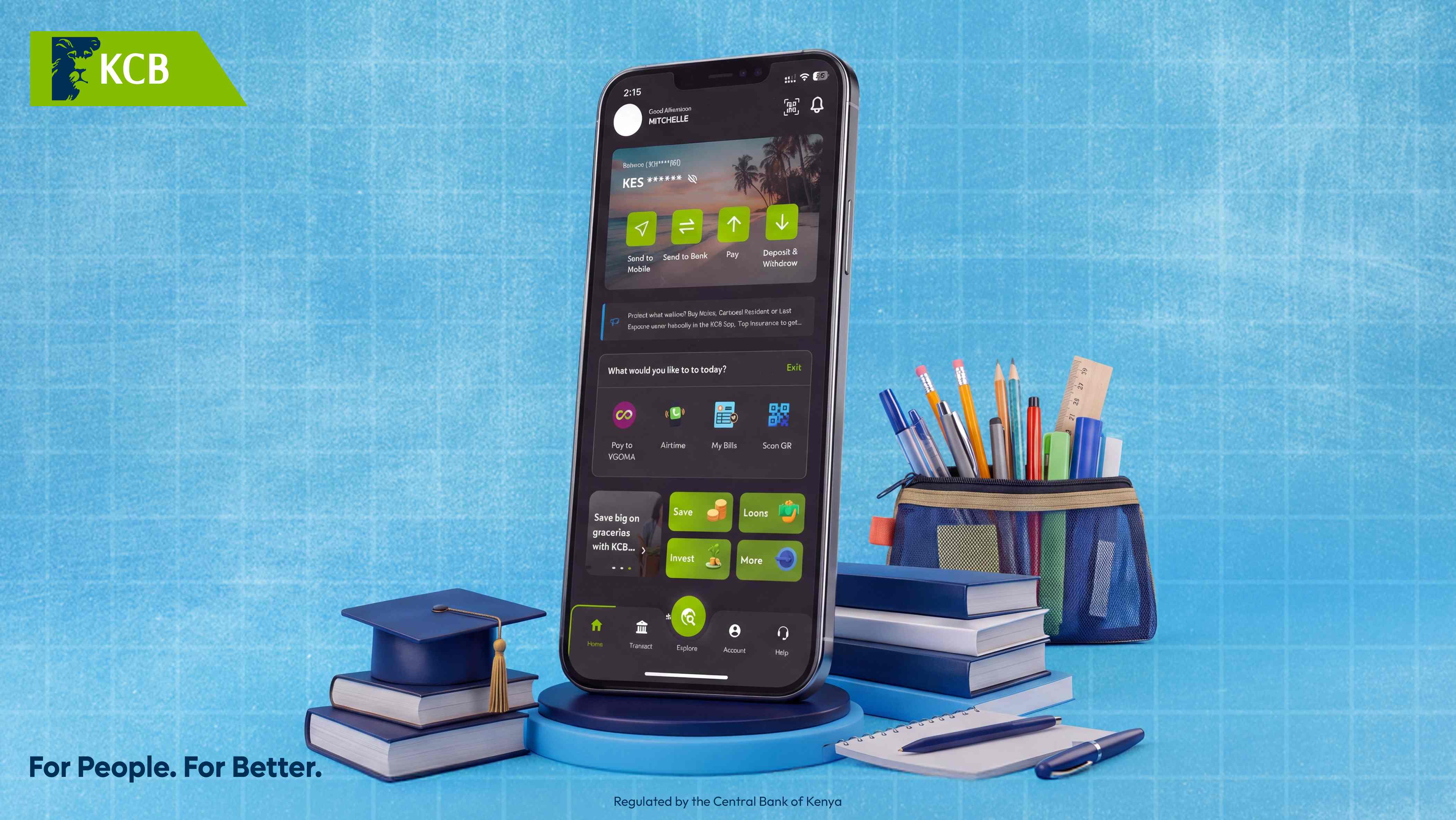
Because now, it happens differently. And all it takes is a few taps on the NEW KCB MOBILE APP.
Introducing KCB Lipa Karo, the easiest way to pay school fees in Kenya without the stress, queues, or time wasted.
What Is KCB Lipa Karo?
KCB Lipa Karo is a dedicated school fees payment feature on the KCB Mobile App designed specifically for Kenyan parents and guardians. It simplifies the entire process by letting you select your school from a pre-loaded list, enter your child’s details, and complete payment in seconds.
No more searching for account numbers. No more wondering if you got the details right. Just select, confirm, and done.
How to Pay School Fees with KCB Lipa Karo
Follow these simple steps to complete your stress-free school fee payment:
Open the KCB Mobile App on your smartphone
Tap “Pay” then select “Lipa Karo”
Select Your School from the list of registered institutions
Choose the School Account you want to pay into
Enter the Student Admission Number for easy tracking
Enter the Student’s Name
Enter the Amount you wish to pay
Enter your PIN to complete the transaction
And just like that, you’re done. No queues. No paperwork. No stress.
Why Kenyan Parents Love KCB Lipa Karo
1. Pre-Loaded School Directory
No need to remember or search for school account numbers. Your school is already in the system.
2. Admission Number Tracking
Every payment is tagged with your child’s admission number, making reconciliation easy for both you and the school.
3. Instant Confirmation
Receive immediate confirmation that your payment has been received. No more wondering, no more follow-up calls.
4. Pay Anytime, Anywhere
Whether you’re at work, at home, or on the move, school fee payments are always within reach.
5. Secure & Reliable
Protected by bank-grade security and your personal PIN. Your money and your data are always safe.
The Real Meaning of “Punguza Pressure”
Maybe that’s what “kupunguza pressure” really feels like. Just one less thing pulling at your day when everything else already is.
Back-to-school season is demanding enough. Between buying uniforms, books, and supplies, and managing the emotional transition for your child, the last thing you need is a complicated payment process.
KCB Lipa Karo removes that burden entirely.
Schools Already Registered on KCB Lipa Karo
Hundreds of schools across Kenya are already registered on the KCB Lipa Karo platform, including:
Primary schools
Secondary schools
National and extra-county schools
Private academies
International schools
Don’t see your school? Contact your school’s finance office and ask them to register with KCB Lipa Karo, or reach out to KCB Customer Care for assistance.
Tushakupanga — Pay School Fees the Easy Way
So tushakupanga. Lipa school fees instantly na virahisi with the NEW KCB MOBILE APP.
Whether you’re paying for one child or managing fees for multiple students, KCB Lipa Karo makes the process seamless, secure, and stress-free.
Ready to punguza pressure?
Download The New KCB Mobile App today and discover the easiest way to pay school fees in Kenya.
Frequently Asked Questions
Is KCB Lipa Karo available for all schools in Kenya? KCB Lipa Karo is available for all schools that have registered on the platform. If your school isn’t listed, you can still pay via Lipa na KCB if they have a KCB till or Send to Bank using RTGS or Pesalink directly to the school’s account number.
How long does a Lipa Karo payment take to reflect? Payments via KCB Lipa Karo are instant. Both you and the school receive immediate confirmation.
Can I pay fees for multiple children using Lipa Karo? Yes. Simply repeat the process for each child, entering their respective admission numbers.
What happens if I enter the wrong admission number? Always double-check the admission number before confirming. If you make an error, contact KCB Customer Care immediately on 0711 087 000 or 0732 187 000.
Is there a fee for using KCB Lipa Karo? KCB Lipa Karo offers competitive rates. Check the app for specific fee details before confirming your payment.
KCB Bank Kenya Limited is regulated by the Central Bank of Kenya. Subsidiary of KCB Group.
Till next time,
Witty Banker 😊