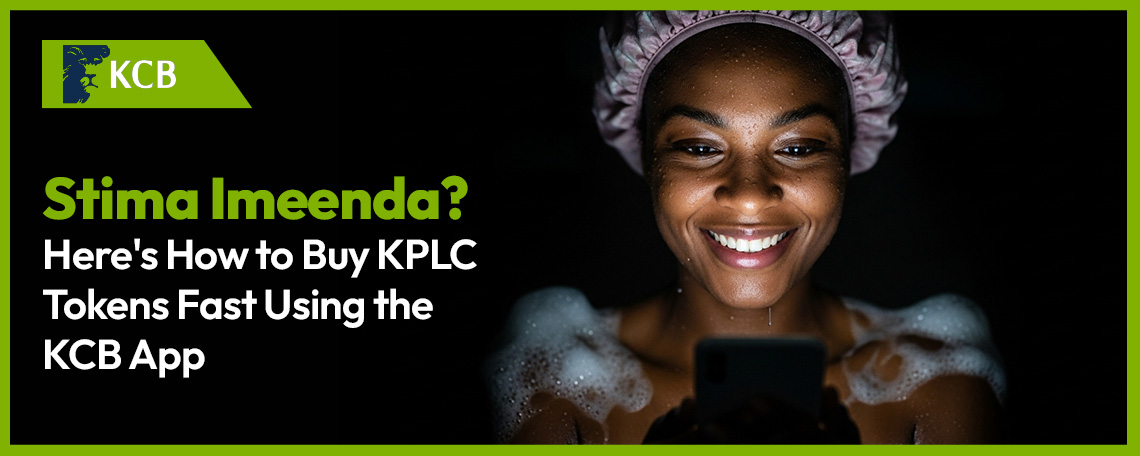
Picture this. You're right in the middle of binge-watching your favourite series… or worse, you've just lathered up in the shower. And then, poof, darkness. The dreaded beep of the meter echoes through the house. Stima imeenda.
We've all been there. And let's be honest, nobody wants to deal with long queues, complicated USSD menus, or those mysterious delays when all you need is the lights back on. The good news? If you've got the KCB App on your phone, buying KPLC tokens is faster than your neighbour can say "Uko na hotspot?"
Here's your complete guide to purchasing Kenya Power tokens directly from your KCB account!
Why Buy Your KPLC Tokens Through the KCB App?
Before we get into the how, let's talk about the why. There are plenty of ways to buy electricity tokens in Kenya, but paying through the KCB App has a few advantages that are hard to ignore.
It's direct. Your payment goes straight from your KCB bank account to Kenya Power. No need to first move money to a mobile wallet, wait for it to reflect, then pay from there. You skip the additional step and the extra transaction fees that comes with it.
It's fast. The KCB App processes your utility payment in seconds. You get your 20-digit token code via SMS almost immediately, so you can punch it in and get back to whatever you were doing before KPLC decided to test your patience.
It's all in one place. The same app you use to check your balance, send money, or save for that Diani trip is the same one that keeps your lights on.
Step-by-Step: How to Buy KPLC Tokens on the KCB App
Grab your phone, open the KCB App, and follow these steps. The whole thing takes less than a minute. We timed it.
Step | What to Do |
1 | Open the KCB App and log in. Use your PIN, fingerprint, or Selfie Mode. Because who has time to remember passwords when the lights are out? |
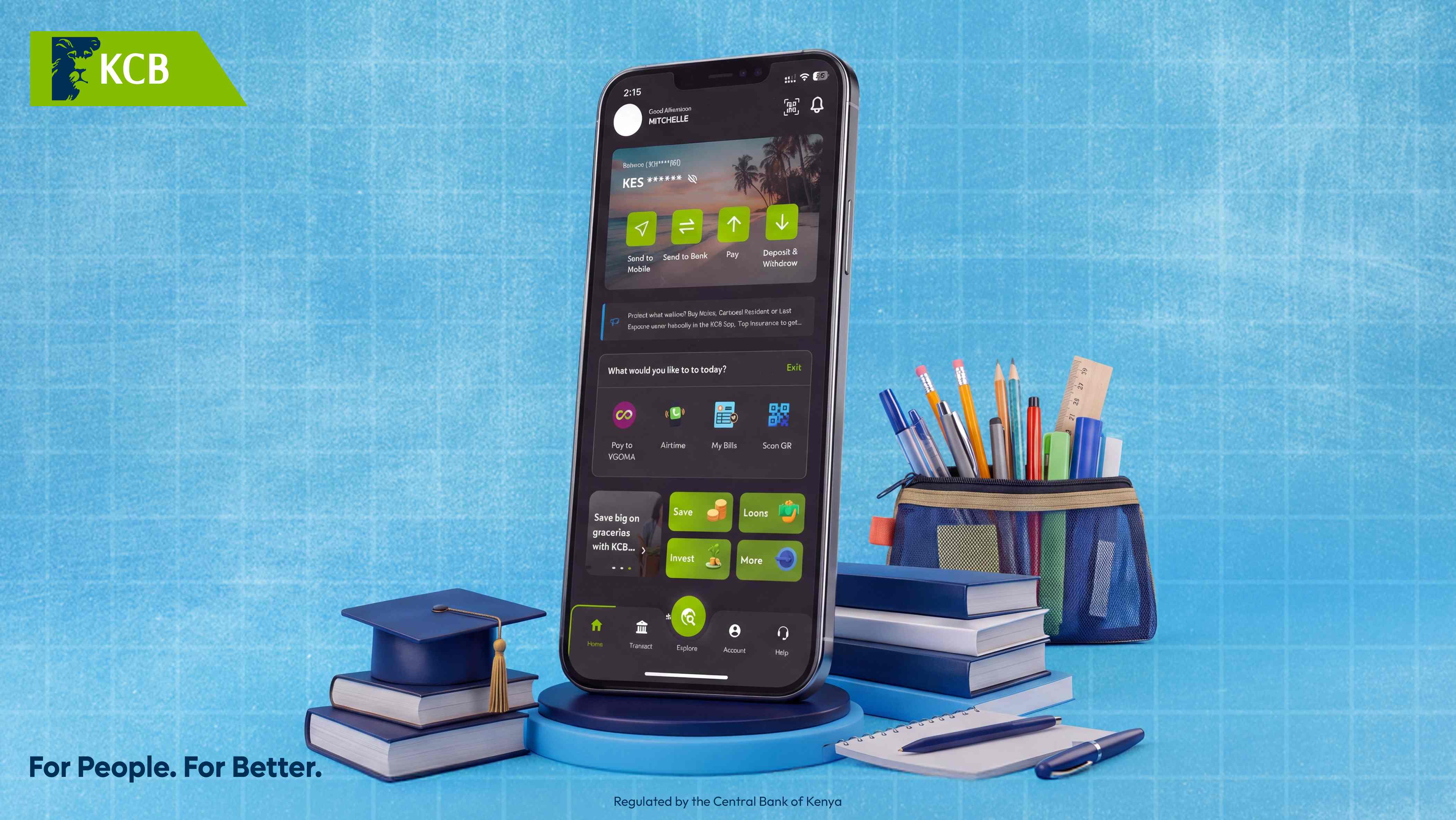
2 | Tap on ‘Pay’ from your Home Screen and navigate to the 'Utility Bills & Services' from the home screen. |
3 | Select either 'KPLC Postpaid' or “KPLC Prepaid” under the Bills and Utilities section, depending on your need. |
4 | Enter your meter number (that 11-digit number on your prepaid meter or on a previous token receipt). |
5 | Enter the amount you'd like to purchase and tap Submit. |
6 | Confirm the details, enter your KCB mobile banking PIN, and commit. |
That's it. You'll receive a confirmation SMS with your 20-digit token code. Key it into your meter, and let there be light.
Pro Tip: Save Your Meter Number to Favourites
Here's something that will save you time every single month. After your first purchase, save your meter number as a Favourite in the KCB App.
Why does this matter? Because typing out an 11-digit meter number in the dark, squinting at your phone with one eye, is nobody's idea of a good time. Once it's saved, your next token purchase is literally three taps and a PIN. Open the app, tap your saved biller, enter the amount, confirm. Done! It's the kind of efficiency that makes you feel like you've got life completely figured out.
No Smartphone? No Problem. Use USSD
We know not everyone is on a smartphone, and that's perfectly fine. You can still buy KPLC tokens directly from your KCB account using the USSD menu. Here's how:
Step | What to Do |
1 | Dial *522# on your phone. |
2 | Select Payments, then choose Pay Bills. |
3 | Select KCB Account as the source of funds. |
4 | Choose the specific KCB account to pay from. |
5 | Select the biller: KPLC Prepaid Tokens. |
6 | Enter your meter number and the amount. |
7 | Enter your KCB mobile banking PIN and confirm. |
Your 20-digit token code will arrive via SMS, just the same. Works on any phone, even that trusty Nokia that has survived three generations of your family.
Frequently Asked Questions
How long does it take to receive my KPLC token after paying via the KCB App?
In most cases, you'll receive your 20-digit token code via SMS within seconds of completing the transaction. If there's a delay, it's usually on Kenya Power's side but this is rare.What do I need to buy KPLC tokens on the KCB App?
You need an active KCB bank account, the KCB App installed on your phone, and your KPLC prepaid meter number. That's it.Can I buy tokens for someone else's meter?
Absolutely. Just enter their meter number instead of yours during the payment process. Perfect for topping up mum's electricity from wherever you are.Is there a minimum or maximum amount I can purchase?
The minimum and maximum amounts are determined by Kenya Power's policies. Generally, you can purchase tokens from as low as KES 50.What if I enter the wrong meter number?
Always double-check your meter number before confirming. If you've entered the wrong number, the tokens will be sent to that meter, and reversals can be complicated. This is another reason to save your correct meter number to Favourites. Enter it once, correctly, and never worry again.
Keep the Lights On
Whether you're a night owl grinding on a side hustle, a parent trying to keep the fridge running, or just someone who really doesn't want to eat cold food tonight, buying electricity tokens shouldn't be a whole event. The KCB App turns what used to be a chore into a three-tap affair.
So the next time stima inaenda, don't panic. Don't fumble. Just open the KCB App and handle it like the composed, financially savvy person you are.
Download the NEW KCB App today: https://onelink.to/m9puce
For People. For Better.
Yours truly,
Witty Banker